

Updated July 9, 2026. Free limits, model availability, watermark rules and commercial-use terms change quickly. Before an important project, check the official page of the service and the plan shown inside your own account.
A free AI video generator is no longer just a novelty tool. You can turn text into a short clip, animate a still image, choose camera movement, add voice or subtitles, and quickly assemble a vertical video for social platforms. But “free” usually means a trial workflow rather than unlimited production: credits, queues, lower resolution, visible watermarks or non-commercial-use limits.
In this guide, Cifrum.kz compares Google Flow, Runway, Pika, Kling AI, Luma Dream Machine, Adobe Firefly and CapCut. The focus is editorial: what can actually be tested for free, where rights and watermark risks appear, when to start with an image, and when it is better to move directly into an editing workflow.
Quick Answer: What Should You Choose?
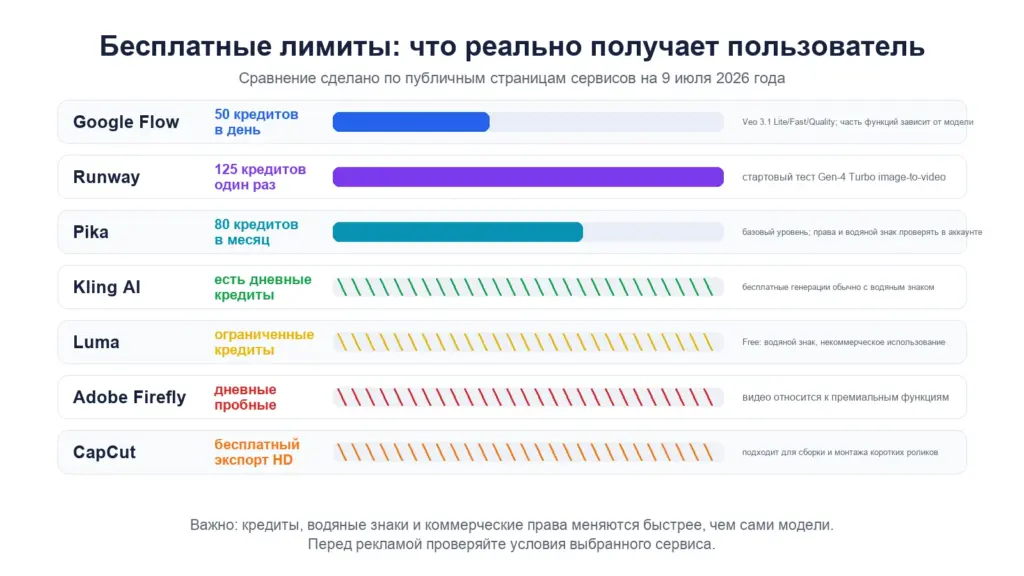
If you need regular free testing, start with Google Flow. Google lists 50 daily Flow credits for users without Google AI Plus, Pro or Ultra, and its help page explains that those credits can be used with Veo 3.1 Lite, Fast and Quality generations.
If you already have a strong still image, Runway or Kling AI are better starting points. If you need a fast Reels, Shorts or TikTok workflow with subtitles and editing, CapCut is the most practical option. Designers already working in Adobe tools may prefer Firefly, but video generation can involve generative credits and premium features.
Free AI Video Generators Compared
| Service | What You Can Test | Main Limitation | Best Use Case |
|---|---|---|---|
| Google Flow | 50 Flow credits per day; Veo 3.1; text-to-video, frames-to-video, Scenebuilder | credit cost depends on model; visible watermark on Free/Plus/Pro | cinematic short scenes and daily tests |
| Runway | 125 one-time Free credits; Gen-4 Turbo image-to-video | credits are one-time, not monthly | animating prepared images |
| Pika | pricing page lists 80 monthly video credits and Pika 2.5 | free/paid status, watermark and rights may vary by account | short effects and transformations |
| Kling AI | free tier with daily credits; text-to-video and image-to-video | watermark removal, 1080p/4K and extensions depend on membership | realistic motion for people and objects |
| Luma | Web Free Plan with limited monthly credits | draft resolution, lower priority, non-commercial use only, watermarks | visual development and concept tests |
| Adobe Firefly | daily free generations for testing | video, audio and partner models consume generative credits | Adobe Creative Cloud workflows |
| CapCut | AI video maker, style, voiceover, subtitles, HD export | features may vary by region, account and app | finished vertical videos for social platforms |

1. Google Flow: Best Starting Point for Regular Tests
Google Flow credits help says users without Google AI Plus, Pro or Ultra receive 50 Flow credits per day. Credits do not carry over, and the refresh starts after the first generation. The cost of one generation depends on the model and mode.
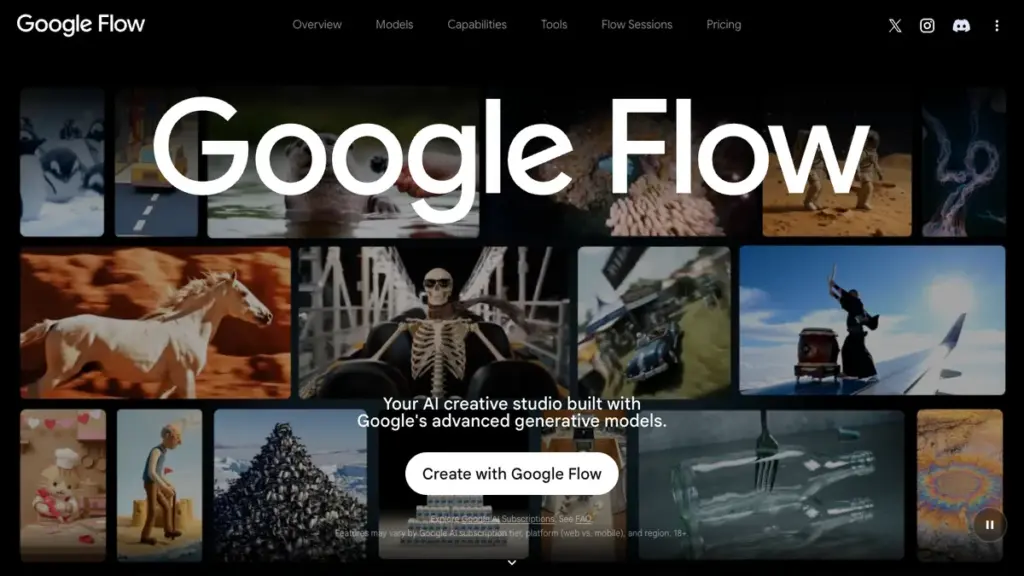
The public Google Flow page lists Veo 3.1, Gemini Omni Flash, Nano Banana Pro, text-to-video, frames-to-video, ingredients-to-video, video extension and Scenebuilder. That is why Google Flow, Gemini AI and Veo 3.1 should be considered together in 2026: Flow is a creative workspace around several Google models.
The limitation matters. Google says videos in Free, Plus and Pro tiers include a visible Veo watermark, while Flow outputs with Veo and Imagen include invisible SynthID markers. For editorial use this is acceptable if disclosed. For advertising, it becomes a plan and rights question.
2. Runway: Strong When You Start From an Image
Runway Pricing lists a Free plan with 125 one-time credits. Runway credits help explains that these credits are granted once and do not expire.
Do not spend Runway credits on random attempts. First prepare a still frame with strong composition, lighting and style. Then describe only motion: the camera slowly pushes in, the person turns their head, fabric moves in the wind. This saves credits and reduces style drift.
3. Pika: Short Effects and Transformations
Pika Pricing lists a basic level with 80 monthly video credits, Pika 2.5 and tools such as Pikascenes, Pikadditions, Pikaswaps, Pikatwists and Pikaffects. The practical warning is simple: free/paid status, watermark and commercial rights can vary by account and region.
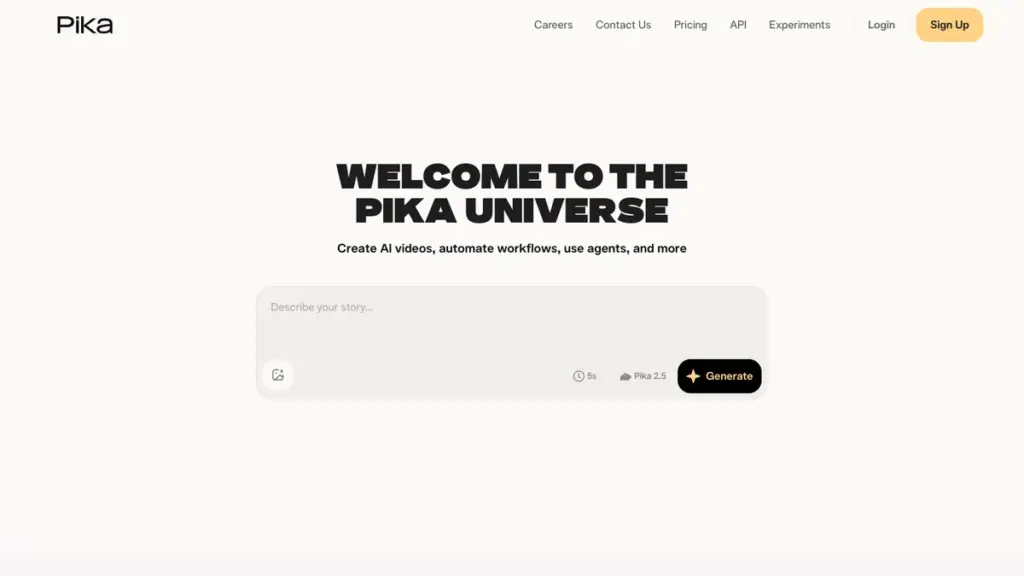
Pika is useful for short effects, meme-style clips, product transformations, animated posters and quick social videos. For a longer narrative, free or entry-level credits can disappear quickly because every weak prompt costs a generation.
4. Kling AI: Realistic Motion and Image-to-Video
Kling AI promotes a free tier with daily credits and 1080p export, while membership unlocks options such as watermark removal and 4K. Kling credits policy also says watermark removal, 1080p videos, video extension and several functions may be premium-only or product-dependent.
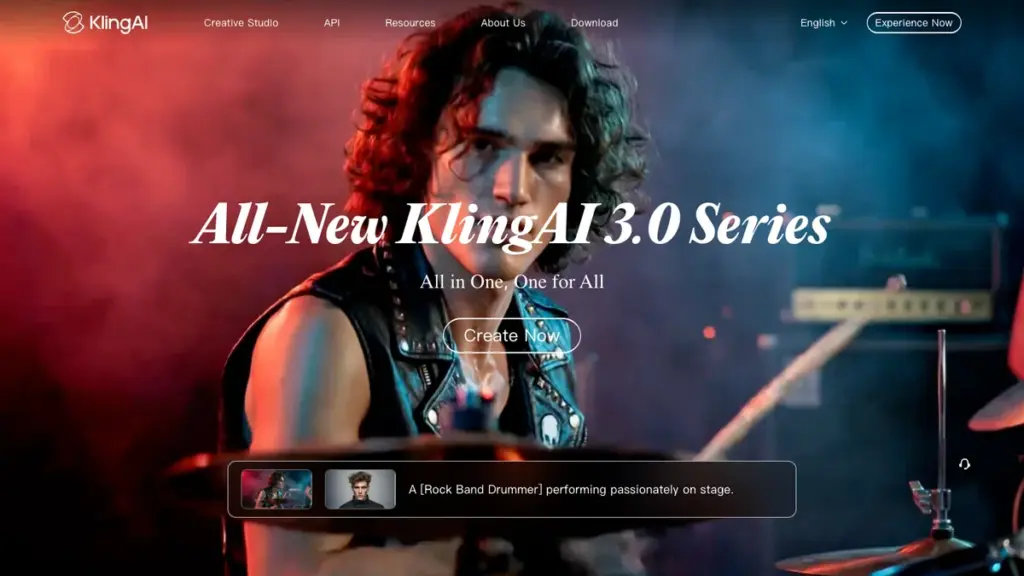
Kling is a good place to test motion, but before publishing a client or advertising video, check watermark status, commercial-use rights and the exact plan required for the target quality.
5. Luma Dream Machine: Beautiful Drafts, Limited Free Use
Luma pricing information describes the Web Free Plan as limited: limited monthly credits, limited usage, draft resolution, lower priority processing, non-commercial use only and watermarks. It is a testing zone, not a production plan.
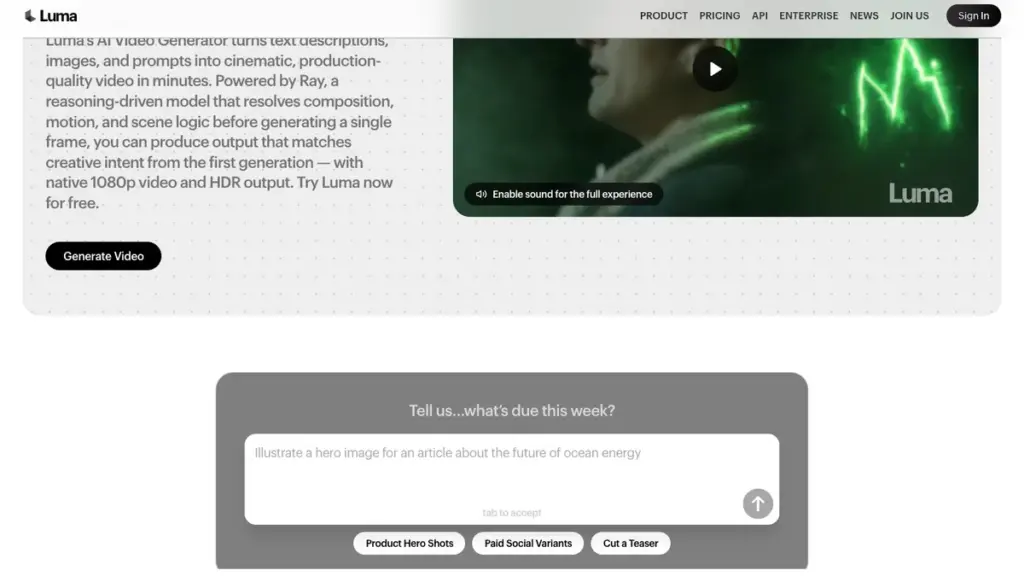
Luma is strong for cinematic mood, camera movement, atmospheric scenes and visual development for ad ideas. But Luma licensing help separately explains that commercial rights depend on the active plan.
6. Adobe Firefly: Best Inside the Creative Cloud Workflow
Adobe Firefly plans offers daily free generations for testing. At the same time, Adobe generative credits FAQ says video, audio and partner models are premium features that may consume generative credits.
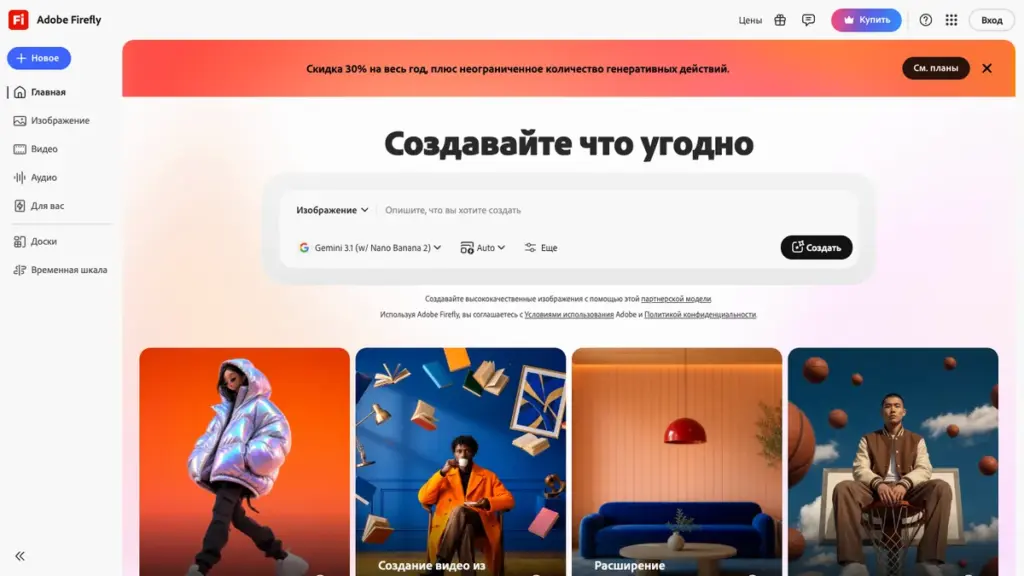
Firefly makes the most sense when the result will be refined in Photoshop, Premiere Pro, Adobe Express or another Creative Cloud tool. For a newsroom, the advantage is not only generation but a familiar production workflow after the first draft.
7. CapCut: From Generation to Editing in One Place
CapCut AI Video Generator describes a full workflow: open the AI video maker, enter a script, choose style, aspect ratio, voiceover and duration, then generate, edit and export in HD. It may not be the most cinematic generator, but it is useful for finished social videos.
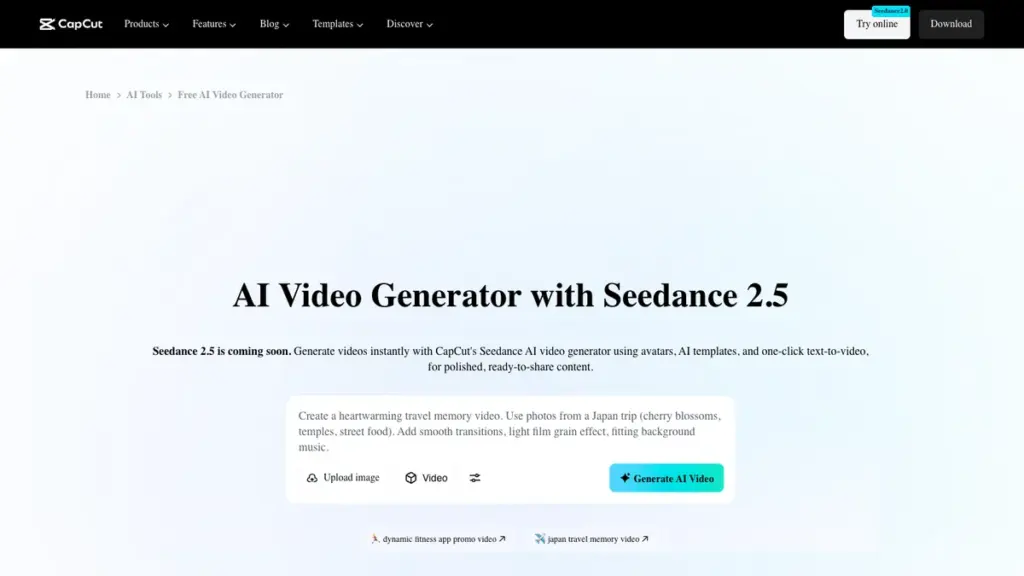
CapCut is practical when you need subtitles, music, voiceover, editing and export rather than a single impressive shot. Still, read the service terms before uploading faces, voices, client files or confidential source materials.
Why Sora Is Not on the List
Older roundups may still mention OpenAI Sora. For a new free workflow, that is no longer a reliable recommendation. OpenAI Sora discontinuation help says Sora web and app experiences were discontinued on April 26, 2026, and the Sora API will be discontinued on September 24, 2026.
How to Create a First Free Video in Google Flow
- Open the official service. For Flow, use Google Labs or a link from your Google account.
- Check your credits. Confirm what is available in your account rather than relying on screenshots from social media.
- Start with one scene. One subject, one action, one camera movement.
- Avoid other people’s faces and brands. Use a neutral object, landscape or your own illustration for testing.
- Generate a short clip first. Test motion and composition before trying to make a final ad.
- Change one parameter at a time. Camera first, then light, then style.
- Save the best frame. It can become the basis for the next generation or for editing in CapCut, Premiere Pro or another editor.
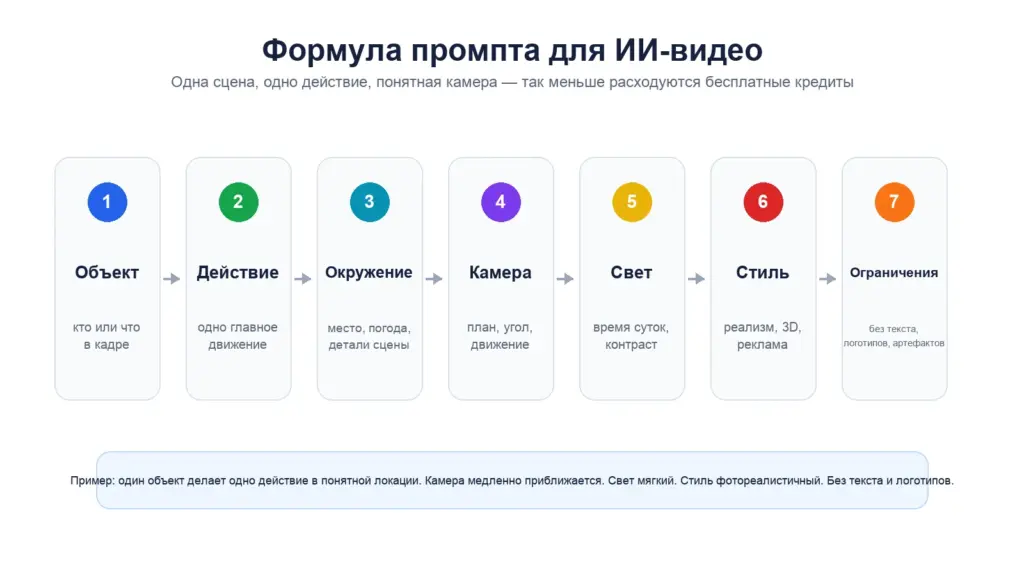
Ready Prompts for Free AI Video Tests
Close-up of premium wireless headphones on a matte dark surface. The camera slowly orbits the product and gently pushes in. Soft studio lighting, cool blue reflections, realistic advertising cinematography, high detail. No text, no logos, no people, no extra objects, no abrupt cuts.
A lone researcher walks through a wet futuristic city street after rain. The camera follows from behind at shoulder height, then slowly rises. Neon reflections on asphalt, light fog, realistic movement, cinematic atmosphere. No readable signs and no recognizable brands.
If your newsroom needs reusable prompt rules, see Cifrum.kz’s guide on how to create a Codex Skill. For local model experiments, start with how to install Ollama.
Can Free AI Video Be Used in Advertising?
Sometimes yes, sometimes no. The common mistake is assuming that a free generation automatically grants commercial rights, removes watermarks and allows any source material. In reality, rights depend on the service, plan, country, output type and uploaded assets.
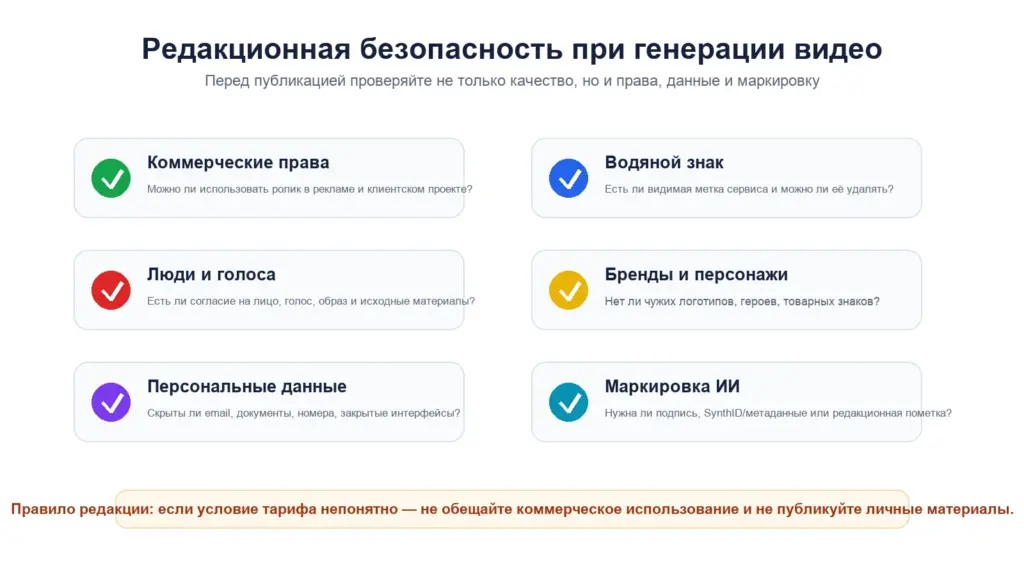
Before publishing an ad, check six points: commercial-use permission, watermark status, faces and voices, brands, personal data and whether AI disclosure is required. If you work with video analytics or computer vision, Cifrum.kz also has a guide on installing OpenCV for a smart camera.
For an editorial team, the safest use of AI video is illustration, previsualization or a creative concept. Final advertising materials should still go through normal legal and brand review. Team workflows can be supported with internal rules and AI assistants; see the guide on setting up an AI assistant for a team.
Conclusion
A free AI video generator in 2026 is best understood as a fast way to test ideas. Google Flow is useful for daily experiments, Runway and Kling AI for image-to-video, Pika for short effects, Luma for cinematic drafts, Adobe Firefly for design workflows and CapCut for finished social clips.
The best results usually come from discipline rather than long prompts: one scene, one action, clear camera movement, safe source materials and a rights check before publication. That turns free credits from a lottery into a usable editorial and marketing tool.
Sources: Google Flow credits help, Google Flow, Runway Pricing, Pika Pricing, Kling AI, Luma pricing information, Adobe Firefly plans, CapCut AI Video Generator, OpenAI Sora discontinuation help.
Which free AI video generator is best in 2026?
For regular testing, start with Google Flow: Google lists 50 Flow credits per day for users without an AI subscription. For image-to-video, Runway and Kling AI are strong options; for short social videos, CapCut is practical.
Can I create AI video for free without registration?
Most serious AI video tools require an account because credits, project history, safety limits and export rules are tied to it. Avoid uploading private photos, documents or client files to unknown websites.
How do I turn a photo into AI video?
Prepare a strong source image, upload it to an image-to-video tool and describe only the motion: camera move, light, wind, object action or background change. This helps preserve the original subject.
Which free AI video tool exports without watermark?
It depends on the plan and account. Google Flow notes a visible watermark for Free/Plus/Pro, Luma Free includes watermarks, and Kling links watermark removal to membership. Check the current terms before publishing.
Can free AI-generated video be used in advertising?
Not always. Check commercial use, watermark rules, rights to source materials, faces, voices, brands and music. If the plan terms are unclear, do not use the output in advertising until they are clarified.
How many free videos can I create in Google Flow?
Google lists 50 free Flow credits per day, but the number of videos depends on the model and mode because different generations consume different credit amounts.
Why is Sora not included in this list?
OpenAI Help Center says Sora web and app experiences were discontinued on April 26, 2026, and the API will be discontinued on September 24, 2026. It is not a good foundation for a new free workflow.
The main image was created with artificial intelligence for Cifrum.kz. Infographics were prepared editorially from public service pages; they are not screenshots of private accounts or specific product interfaces.


Comments on this article